
DStv Decoder Keeps Rebooting? Causes and Fixes (Sandton Guide)
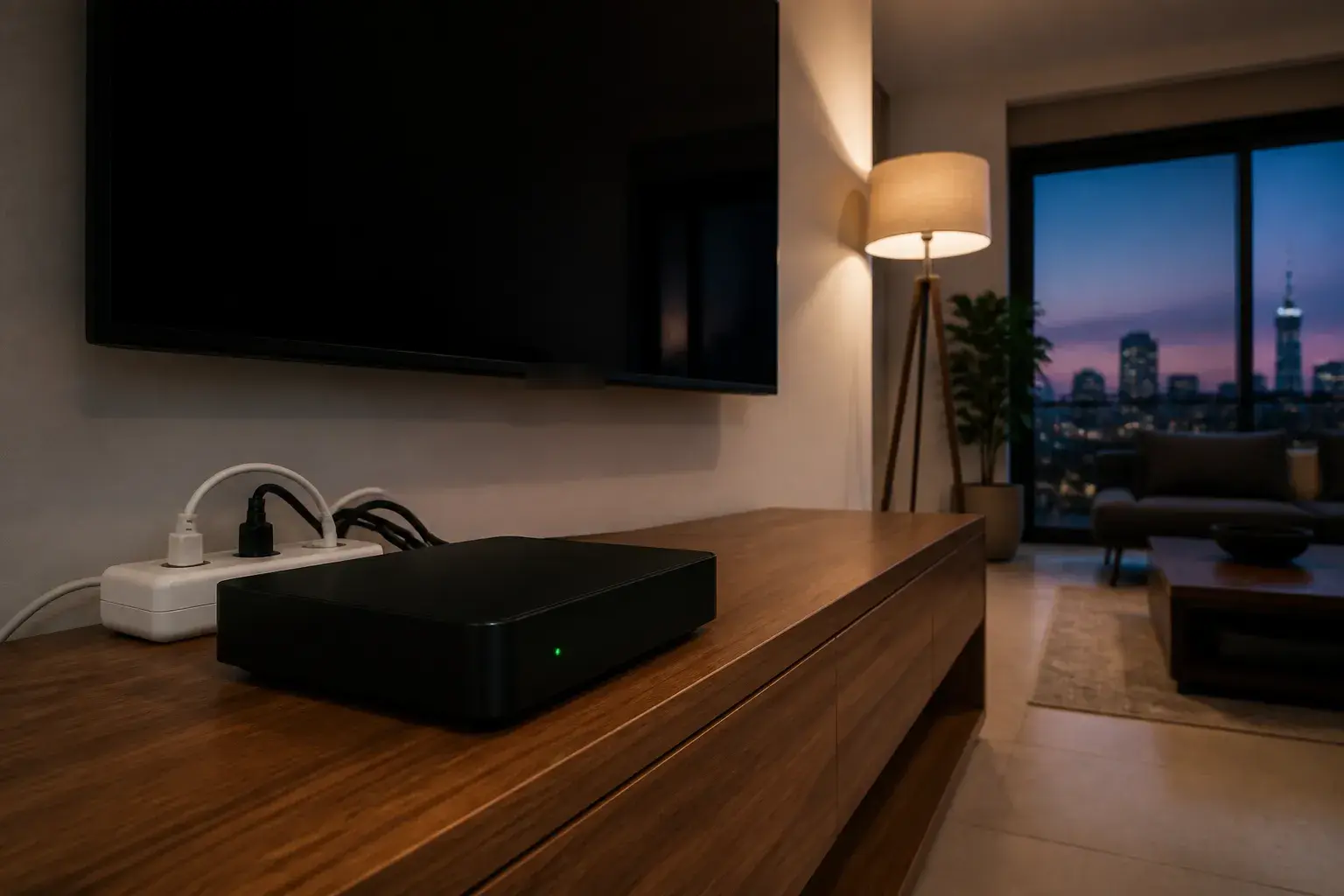
A DStv decoder that keeps rebooting is almost always telling you something about its power, its heat, its cable or its hard drive, and very rarely that it is simply worn out. The pattern is familiar: the screen goes black, the decoder shows its start-up screen, you get a few minutes of TV, and then it happens again. This guide walks through what to rule out yourself, in order, and how to tell when the fault needs a technician rather than another restart.
In practice, a reboot loop usually comes down to one of four things. The good news is that two of them cost nothing to fix.
First, Make Sure It Is Really a Fault
Not every restart is a problem. Decoders download new software from time to time, and a decoder that restarted once overnight, or showed a download screen and then came back normally, may simply have updated itself. That is expected behaviour and needs no action.
The fault is a loop. If the decoder restarts several times in an evening, restarts every time you change to a particular channel, or never gets past the start-up screen, something is wrong. Before you do anything else, note three things, because they point to the cause much faster than guesswork:
- When it happens. Straight after the power returns from an outage, after an hour of viewing, or at random?
- What is on screen. A clean restart, an error code, or a frozen start-up screen?
- Which decoder. If you run more than one decoder off the same dish, are they all doing it, or just one?
If your decoder is showing an error code rather than restarting, start with our guide to what each DStv error code means instead, because the code usually names the fault for you.
The Quick Reset That Clears One-Off Loops
A full power cycle clears a decoder that has got itself stuck after a software hiccup. Switch the decoder off at the wall, or pull the plug, and leave it for about 30 seconds before switching it back on. DStv's own guidance for a decoder that is unresponsive or stuck is the same: unplug it, or hold in the reset or standby button.
Give it a few minutes to start up fully and find the signal. If the decoder then runs normally for the rest of the evening, you were probably dealing with a temporary glitch. If it starts rebooting again within the hour, a reset will not fix it, and the cause is physical. Work through the sections below rather than resetting it again and again, because repeated hard power cuts do an Explora's hard drive no favours.
Common Causes at a Glance
Here is how the symptoms usually map to the cause. Use it to decide what to check first.
| What you notice | Most likely cause | Can you check it yourself? |
|---|---|---|
| Reboots soon after the power comes back, or since a storm | Power supply or adapter damaged by a surge | Partly: try a different wall socket and remove the multiplug |
| Runs fine for a while, then restarts, worse in summer | Overheating in a closed cabinet | Yes: give it space and airflow |
| Reboots or freezes while searching for signal, often after rain | Water or damage in the LNB cable or connector | Partly: check the connector at the back of the decoder |
| Explora stuck on start-up, recordings missing or slow menus | Hard drive problem | No: a reset can delete your recordings |
| Every decoder in the house misbehaves at once | Fault at the dish, LNB or shared power | No: needs a technician with a signal meter |
Rule Out Power Problems First
A decoder needs a steady, clean supply. When the voltage dips or the adapter is failing, the decoder loses power for a fraction of a second and restarts, which looks exactly like a software fault from the couch. Power is the first thing to rule out.
Start with the plug. Many decoders sit on a cheap multiplug shared with the TV, a soundbar, a router and a phone charger. Plug the decoder directly into a wall socket for an evening and see whether the reboots stop. Then check the adapter or power cable itself for heat, damage or a loose fit. Use the power supply that came with your decoder: for the Explora Ultra, DStv's own installation guidance specifically says to use the HDMI cable and power supply packaged with the decoder.
Surges are the other half of this story in Johannesburg. When power returns after an outage, everything in the street draws current at once. City Power has warned residents not to overload the system and run the risk of surges by switching on all their appliances the moment the power comes back. A decoder that started rebooting straight after an outage or a lightning storm often has a damaged power supply. A surge-protected plug or a small UPS in front of the decoder is cheap insurance, and it is worth doing before you replace anything.
Heat: The Cabinet Problem
Decoders generate heat, and an Explora also has a hard drive running inside it. Modern TV units often have closed doors or a snug shelf for the decoder, with a soundbar or a router stacked on top. With nowhere for the warm air to go, the decoder can overheat and protect itself by restarting.
The clue is timing. If the decoder behaves after a cold start but begins restarting after an hour of viewing, especially on hot afternoons, heat is a strong suspect. Leave a hand's width of space above and around it, take anything off the top, and leave the cabinet door open for a few evenings. If the reboots disappear, you have your answer. A small ventilation cut-out at the back of the cabinet is a permanent fix that costs far less than a new decoder.
A Fault on the LNB Cable
The coaxial cable from the dish does more than carry the picture. The decoder also sends power up that cable to run the LNB, the receiver at the front of the dish. Water inside an F-connector, a crushed cable behind a cupboard, or a connector that has corroded at the dish can disrupt that circuit, and a decoder fighting a bad connection can freeze, lose signal or behave erratically.
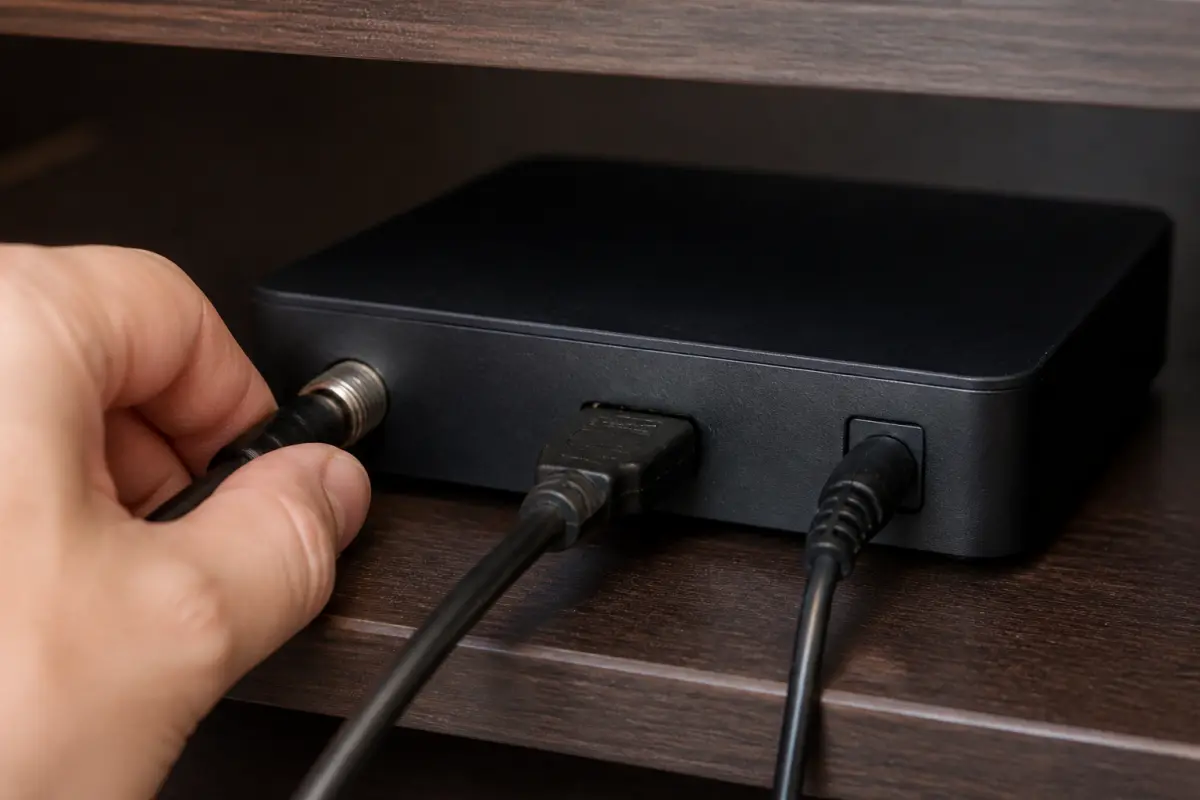
You can check the end you can reach. Switch the decoder off, unscrew the cable from the LNB input at the back, look for green corrosion, moisture or a bent centre wire, and screw it back in finger-tight. Do not climb onto the roof to check the dish end. If the problem started after heavy rain, or if the decoder also loses signal regularly, our DStv troubleshooting page covers the signal side in more detail, and a technician can test the cable and LNB with a meter in a few minutes.
Explora Hard Drive Trouble
An Explora that hangs on its start-up screen, reboots while playing recordings, or has become painfully slow in the menus may have a hard drive problem. The Explora stores your recordings on an internal drive, and a drive that is failing or corrupted can stop the decoder from starting up cleanly.
This is the one cause where a well-meaning reset can cost you something. Before you choose any reset in the Explora's settings, read the on-screen wording carefully: any option that formats the hard drive deletes every recording on it. If your recordings matter to you, stop at the power cycle and let a technician look at it first. Sometimes a recovery from the menus is enough; sometimes the drive or the decoder needs replacing. If you are weighing up a replacement anyway, our comparison of the Explora and Explora Ultra covers the differences.
When to Call a Technician, and What It Costs
Call us if the decoder keeps rebooting after you have tried a different wall socket, cleared space around it and checked the cable at the back. Call sooner if several decoders in the house are misbehaving at once, if the problem started after a storm, or if your Explora holds recordings you do not want to lose.
On a call-out we test the power supply, the cable run and the LNB with a meter, check how the decoder is ventilated, and look at the Explora's hard drive before touching any reset that would wipe it. A diagnostic call-out in Sandton is R550, and most repairs come in between R450 and R850 depending on what we find. These are our own indicative prices, not MultiChoice's. If the decoder itself has failed, we will tell you so plainly rather than charge you for parts it does not need.
Frequently Asked Questions
Why does my decoder keep turning off?
Check the power first: a failing adapter, a faulty multiplug or damage from a surge. Overheating in a closed cabinet comes next. Plug the decoder directly into a wall socket, give it space to breathe, and see whether the problem stops.
What do I do if my DStv decoder is stuck on loading?
Switch it off at the wall for about 30 seconds and let it start up again. If it sticks on the start-up screen again, especially an Explora, avoid resets that format the hard drive until a technician has checked it, or you may lose your recordings.
How do I know if my DStv decoder is faulty?
A decoder is likely faulty if it keeps rebooting on a direct wall socket, with good ventilation and a sound cable. If a second decoder works on the same cable and power, the first one is the problem. A technician can confirm it with a meter.
Is there a reset button on a DStv decoder?
Some decoders have a reset or standby button, and DStv's guidance is to hold it in, or unplug the decoder, when it is stuck or unresponsive. Unplugging at the wall for about 30 seconds is the standard first step on any model, and it does not delete recordings.
Get Your Decoder Sorted in Sandton
If your decoder is still rebooting after the checks above, we can find the cause and fix it, whether that is a power supply, a cable, ventilation or the decoder itself. We work across Sandton and the surrounding suburbs, including Sandhurst, Bryanston, Rivonia, Morningside, Sunninghill, Fourways, Lonehill and Woodmead. Call us on 077 454 4032 or send a WhatsApp describing what the decoder is doing. You can also browse our DStv installation and repair services or book a call-out online.
For the official detail, DStv demonstrates the basic reboot in its short video on how to reboot your DStv decoder, and its Explora Ultra installation guidance includes the note on using the packaged power supply. City Power's advice on avoiding surges when power returns is in this City of Johannesburg statement.
Need Help with Your DStv?
Our accredited installers provide same-day service across Sandton. Call us for a free, no-obligation quote.